How to improve your TV picture quality: a hidden HDMI setting
Modern TV users can significantly enhance picture quality by enabling the HDMI Deep Color feature in their settings.
 💡Tech
Photo: UNIAN
Key points
- Enabling HDMI Deep Color improves color depth
- The feature may be disabled by default
- Setting names vary by TV brand
Many owners of modern Smart TVs fail to achieve the expected picture quality even when viewing HDR content. The reason is often a disabled HDMI Deep Color feature, which is responsible for transmitting increased color depth.
Why adjusting HDMI settings matters
The HDMI Deep Color technology allows a TV to process a 10 or 12-bit signal instead of the standard 8-bit. This ensures smoother transitions between shades and significantly enhances color realism in movies and video games. The feature is available on most devices released after 2006.
Although many TVs activate this mode automatically, users sometimes need to enable it manually. Depending on the manufacturer, the setting may have different names: HDMI UHD Color, Ultra HD Deep Color, or "Enhanced format".
To check your settings, you need to access the port settings menu on your TV. If you notice dull colors when connecting a gaming console or streaming device, enabling this parameter is the first step toward resolving the issue.
Source UNIAN — unian.ua/techno/gadgets/shcho-take-hdmi-deep-color-i-chomu-cyu-funk… ↗
Read next
 🩺Health
Energy situation on November 22: power outages and repair works
Following the massive attacks on the energy system on November 20, power outages are in effect across various regions on November 22.
 👥Society
Lost Worlds: How Underwater Archaeological Finds Are Reshaping Human History
Researchers are studying submerged territories known as 'Aquaterra', where ancient humans lived thousands of years ago.
 🇺🇦Ukraine
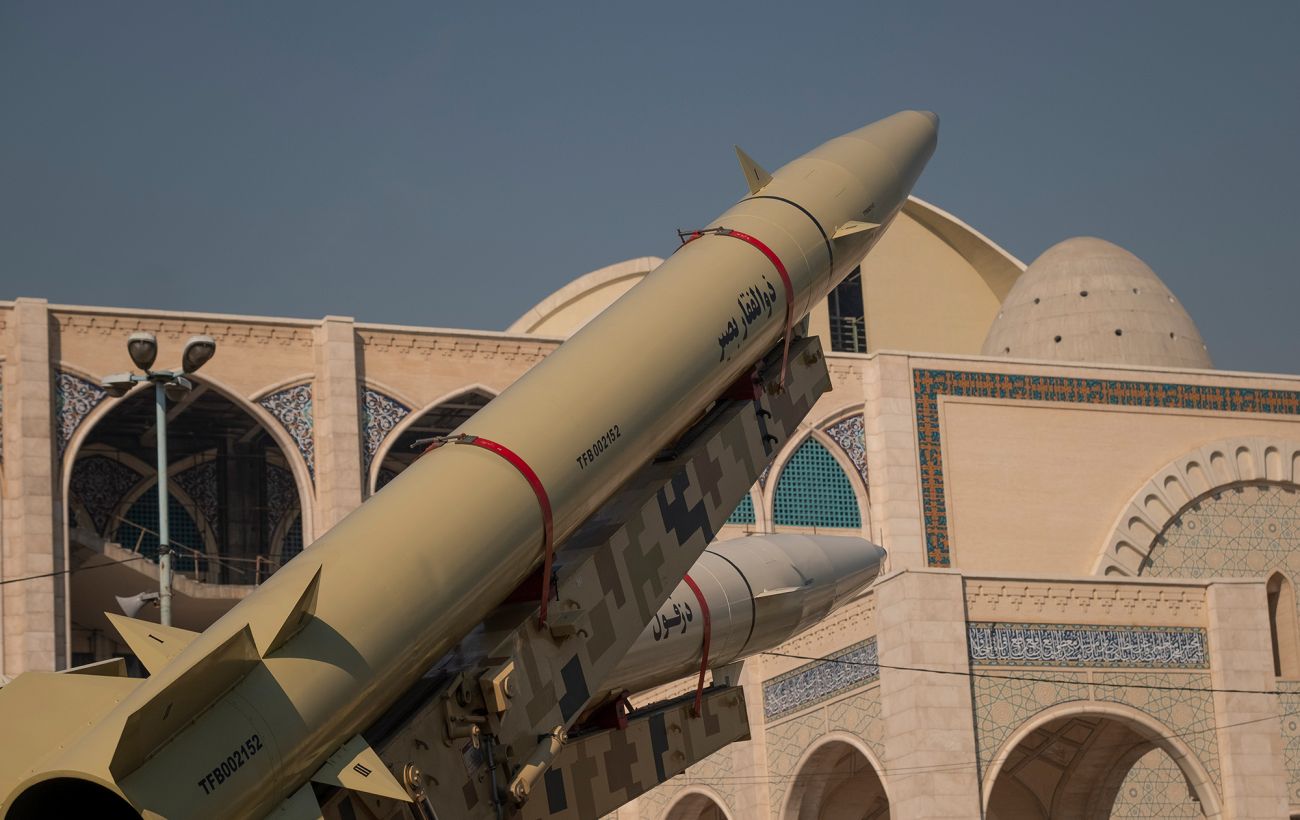
Iran strikes Bahrain: US military bases targeted
Iranian forces launched an attack on Bahrain, claiming to target US military bases, but the strike resulted in damage to a civilian industrial facility.
 🏛️Politics
Donald Trump Outlines Potential Successors within the Republican Party
U.S. President Donald Trump has identified key Republican figures who could lead the party in future presidential elections.
 🏛️Politics
Experts: Financial incentives cannot solve mobilization issues without systemic changes
Recruiters and veterans emphasize that effective mobilization requires transparent communication and clear terms of service from the state, rather than just monetary paym…
 🛡️Security
UK and Norway complete construction of missile boats for the Ukrainian Navy
Two missile boats have been built at a Scottish shipyard to bolster Ukraine's maritime defense capabilities.